Smartsheet_logo (1)

Smartsheet & AI: Turn project data into clear next steps.

Identify risks earlier, gain reliable insights faster, and automate time-consuming routine work.

✅ Intelligently enhance existing Smartsheet processes
✅ Reporting and data analysis
✅ Implement AI use cases in a structured way.

Identify Risks Earlier
Create Dashboards Faster
Automatically process data
Connecting AI Tools Securely
Search less. Decide more.

Your project data holds the answer. It's just that the path to finding it is often too long.

AI in Everyday Work Life

AI that provides support right where your projects take shape.

Use generative AI directly in Smartsheet to understand project information more quickly, prepare data, and create insightful views.

Ask questions. Understand connections. Take action.

Smart Assist helps you assess project status, risks, and open items more quickly right within Smartsheet—without having to manually compile information from multiple sheets.
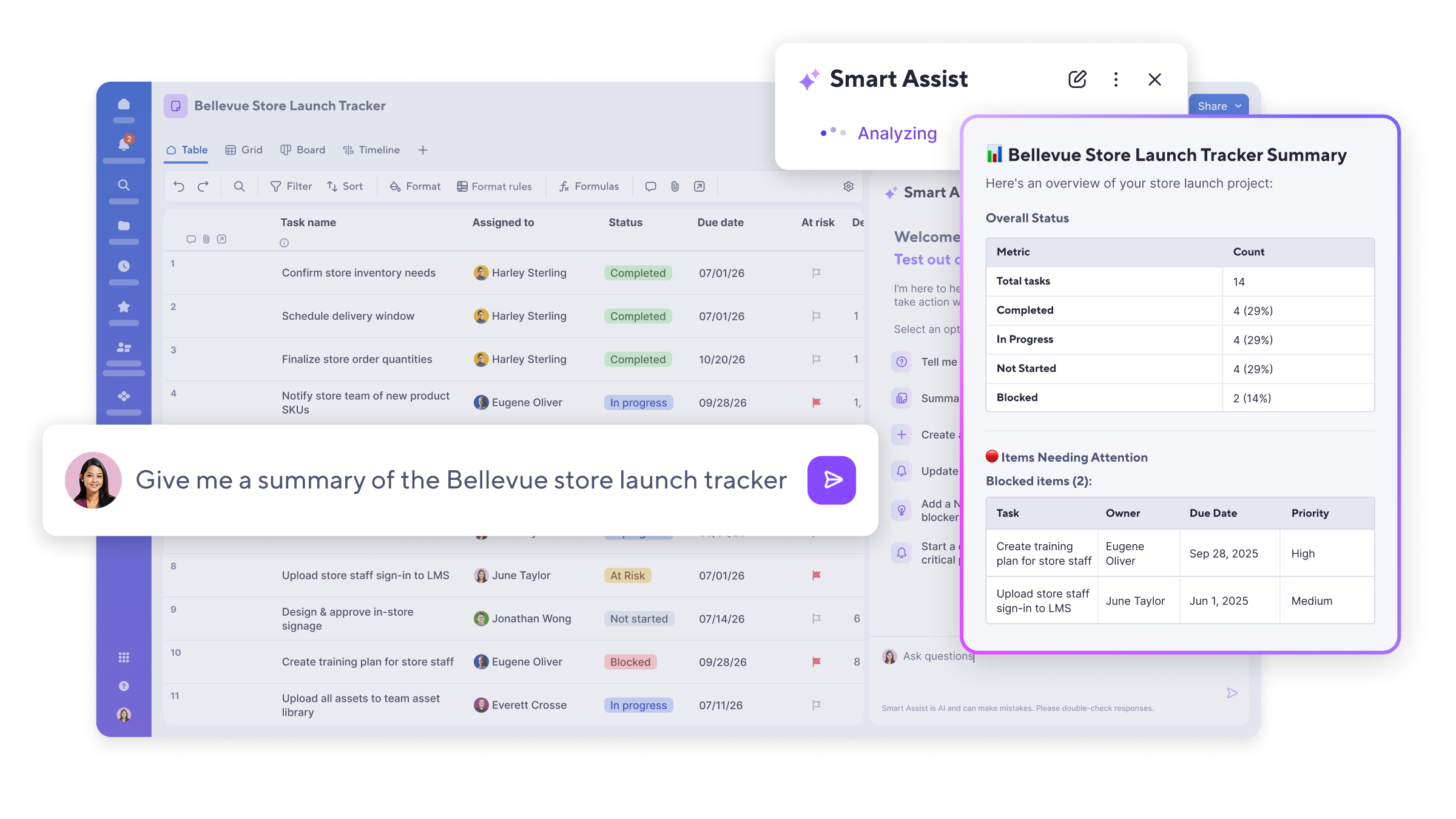
ursa-product-screen-AI-smart-assist-sheet-overview

From Data Set to Dashboard

Describe the desired dashboard, select appropriate data sources, and receive an initial AI-generated draft. You can then further customize the view to your liking.
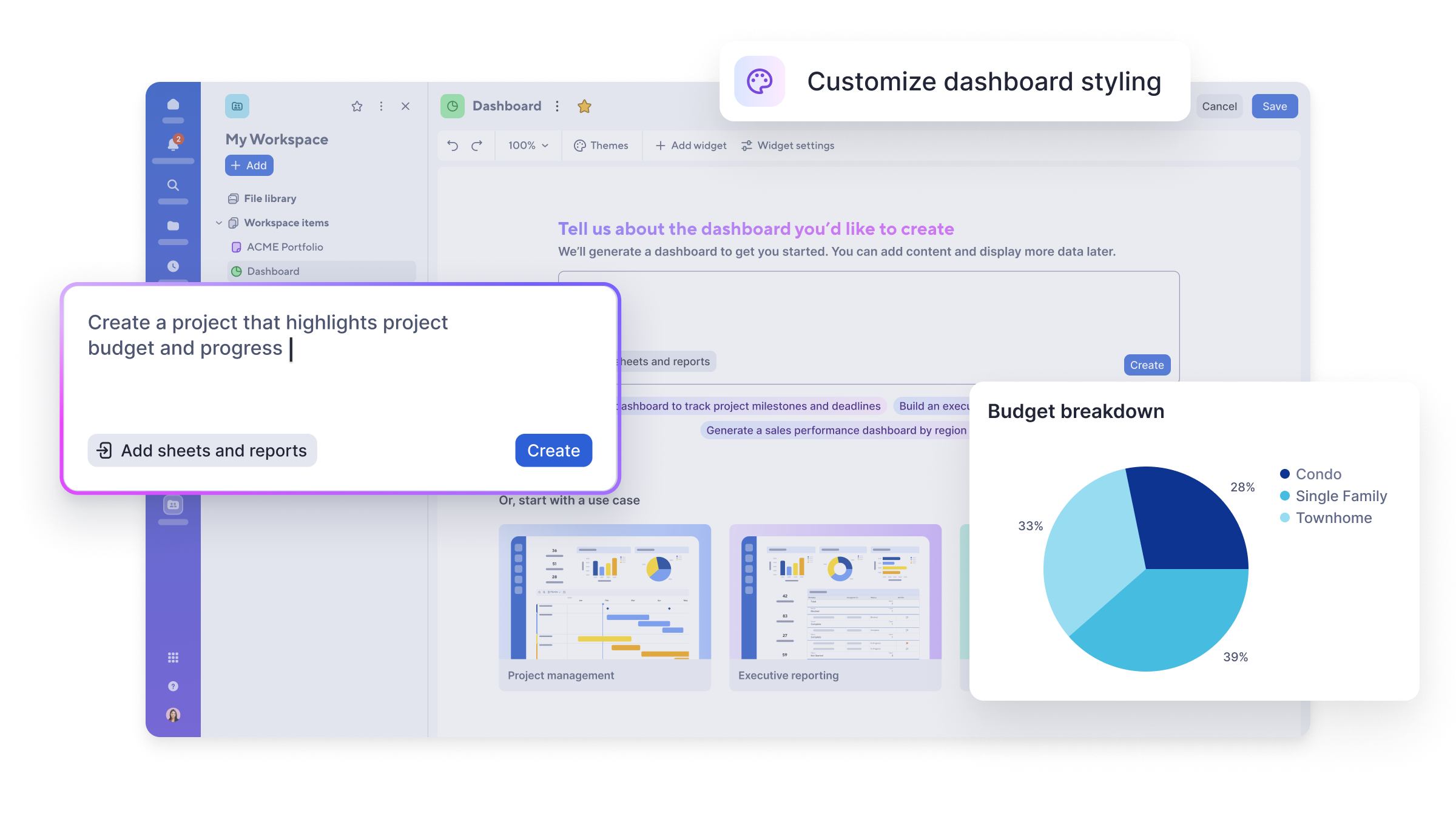
ursa-product-screen-AI-dashboard-builder

Automatically understand and enrich data.

Smart Columns can summarize content, translate it, or analyze its tone and mood. You can use your own instructions to determine the structure and output.
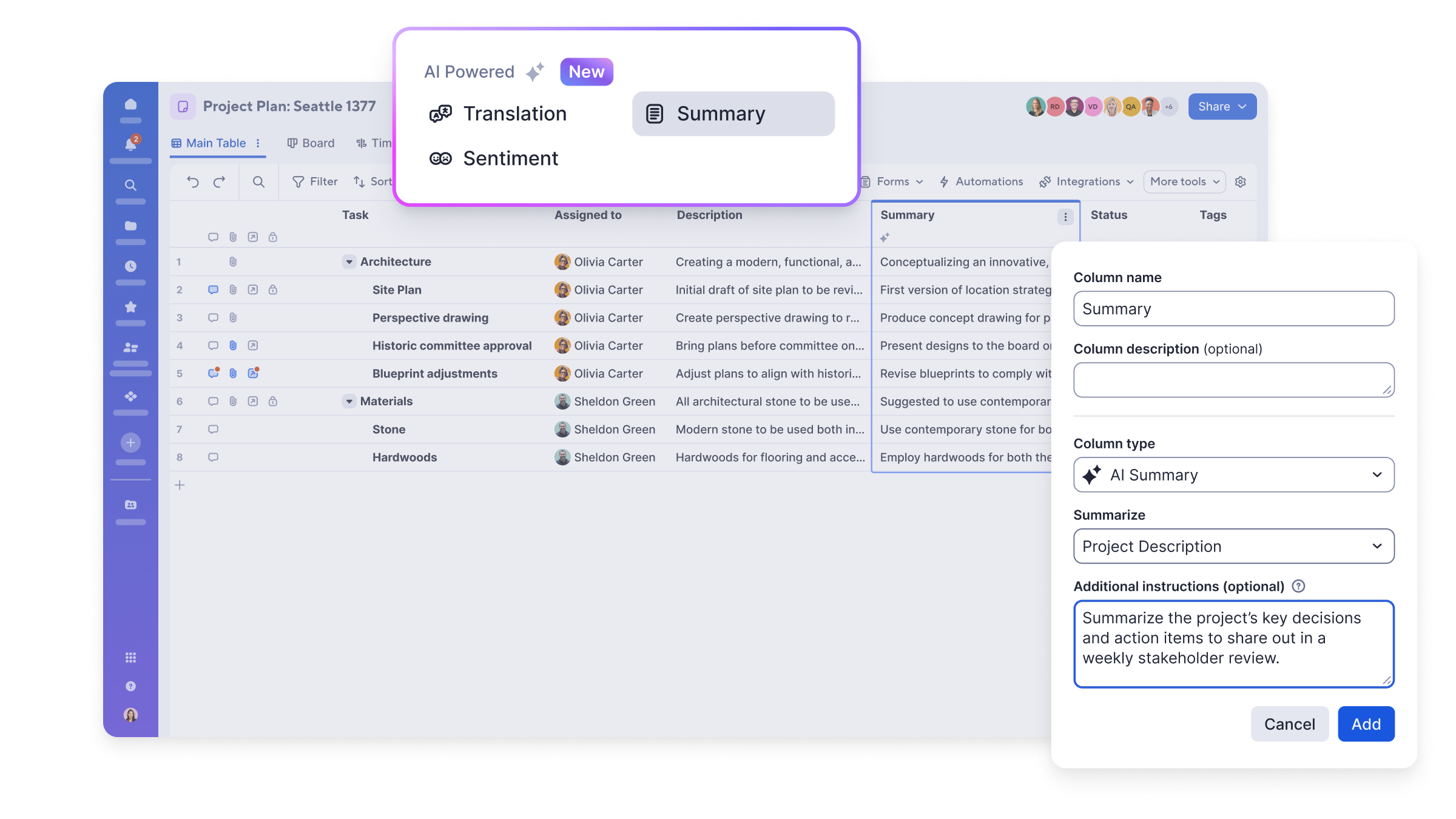
ursa-product-screen-AI-smart-columns

Across system boundaries.

Connect Smartsheet to the AI assistants your teams are already using. NANGA provides support with selection, permissions, and technical integration.
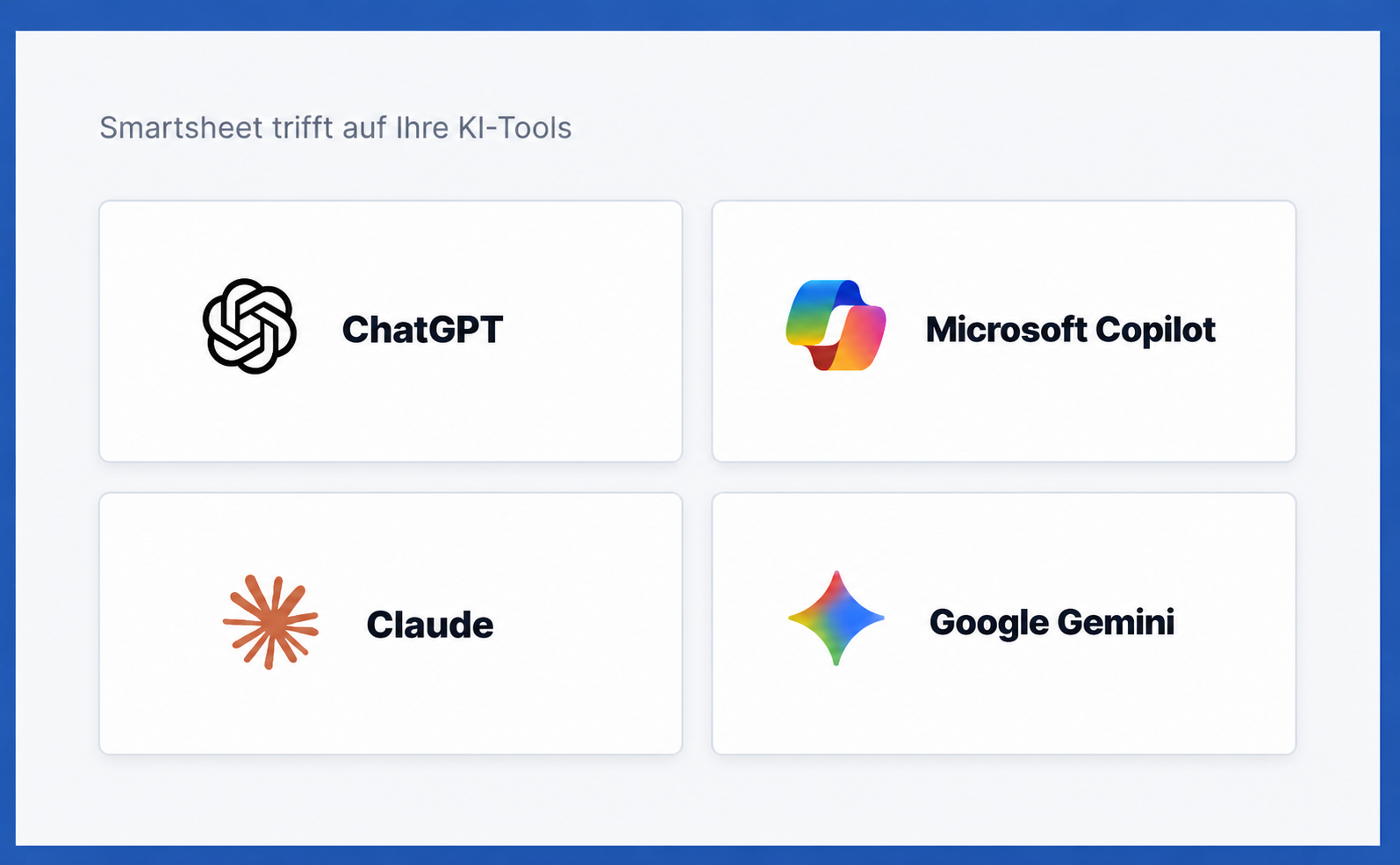
AI Tools

AI with clear rules and controlled access.

NANGA takes roles, data access, permissions, and internal governance requirements into account right from the design phase.

✅ Define roles and permissions
✅ Carefully select data sources
✅ Document and prioritize use cases
✅ Empower teams to handle data securely

Secure-and-transparent-illustration@2x
From Idea to Productive Workflow

With NANGA, AI potential becomes a working solution.

Identify Opportunities

Analyze processes, reporting requirements, and recurring tasks.

Prioritize Use Cases

Jointly assess benefits, feasibility, permissions, and governance.

Implement the solution

Configure Smartsheet, develop workflows, and integrate systems.

Empower Teams

Train users and continuously optimize the solution.

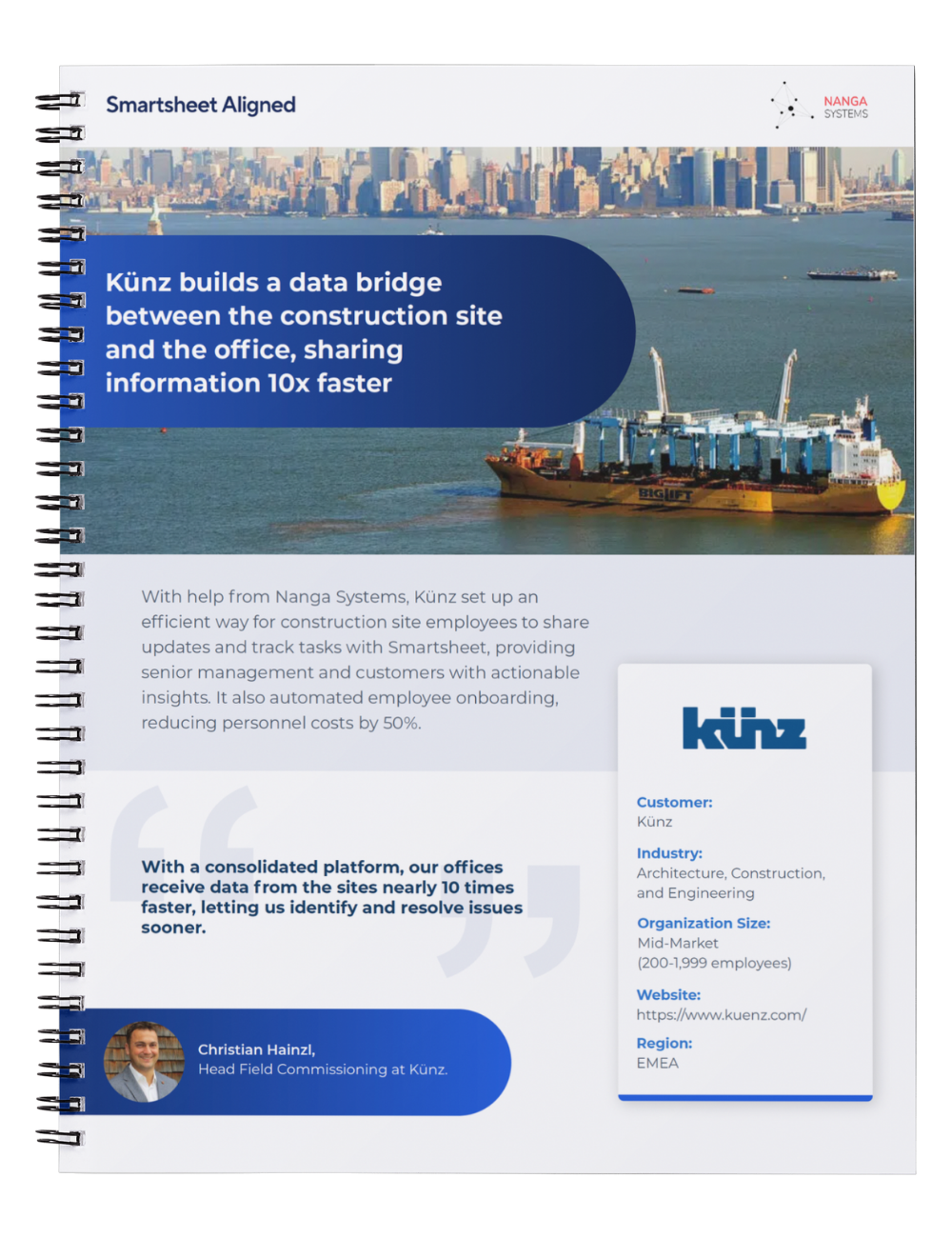
MockUp Kuenz
Success stories
Our projects
Read more

Frequently Asked Questions About Smartsheet, AI, and Implementation with NANGA

Do we already need Smartsheet to use AI?

No. NANGA Smart Solutions provides support not only with the selection, licensing, and implementation of Smartsheet, but also with the AI-driven enhancement of existing environments. Together, we’ll assess your current situation, define your goals, and determine a realistic plan for getting started.

What AI use cases can be implemented with Smartsheet?

NANGA analyzes existing Smartsheet processes, reporting efforts, and recurring tasks. Based on this analysis, we prioritize AI use cases according to their benefits, feasibility, and effort—such as status and risk analyses, automated summaries, dashboards, or data enrichment.

Can Smartsheet be connected to ChatGPT or Microsoft Copilot?

Yes, provided that the system environment, licenses, and security requirements allow it. NANGA evaluates how Smartsheet can be connected to ChatGPT, Microsoft Copilot, or other AI assistants, develops the appropriate integration architecture, and supports configuration, testing, and rollout.

How are data privacy and permissions handled in Smartsheet and AI?

When implementing AI in Smartsheet, NANGA takes roles, permissions, data flows, and internal governance into account right from the design phase. We document the relevant decisions and coordinate the implementation with IT, data protection, and business units.

How does NANGA Smart Solutions support the implementation of Smartsheet and AI?

Depending on your needs, NANGA Smart Solutions supports the implementation of Smartsheet and AI—from the potential workshop and prototyping through configuration and integration to training, rollout, and ongoing optimization—either on a project-by-project basis or as an end-to-end implementation partner.

Next Steps

Discover Smartsheet & AI Connected

Smartsheet graphics website-1
Best Practices
Smartsheet & AI
Explore
Non-binding appointment