Outlook Smartsheet Integration
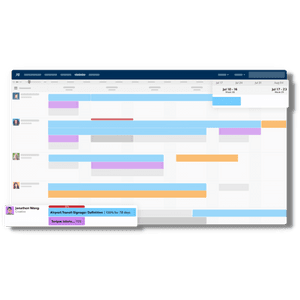
Pull your Outlook calendar straight into Smartsheet, then turn meetings and appointments into reports, workload views and project time analysis, all with your existing Smartsheet tools.
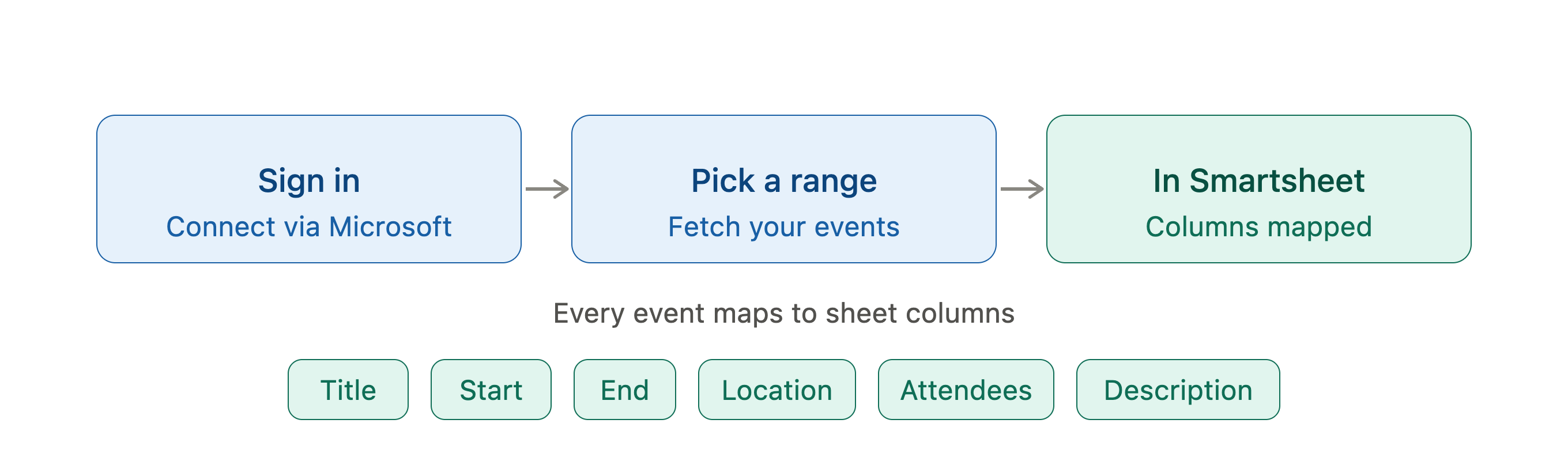
Bring your calendar into Smartsheet in a few clicks.
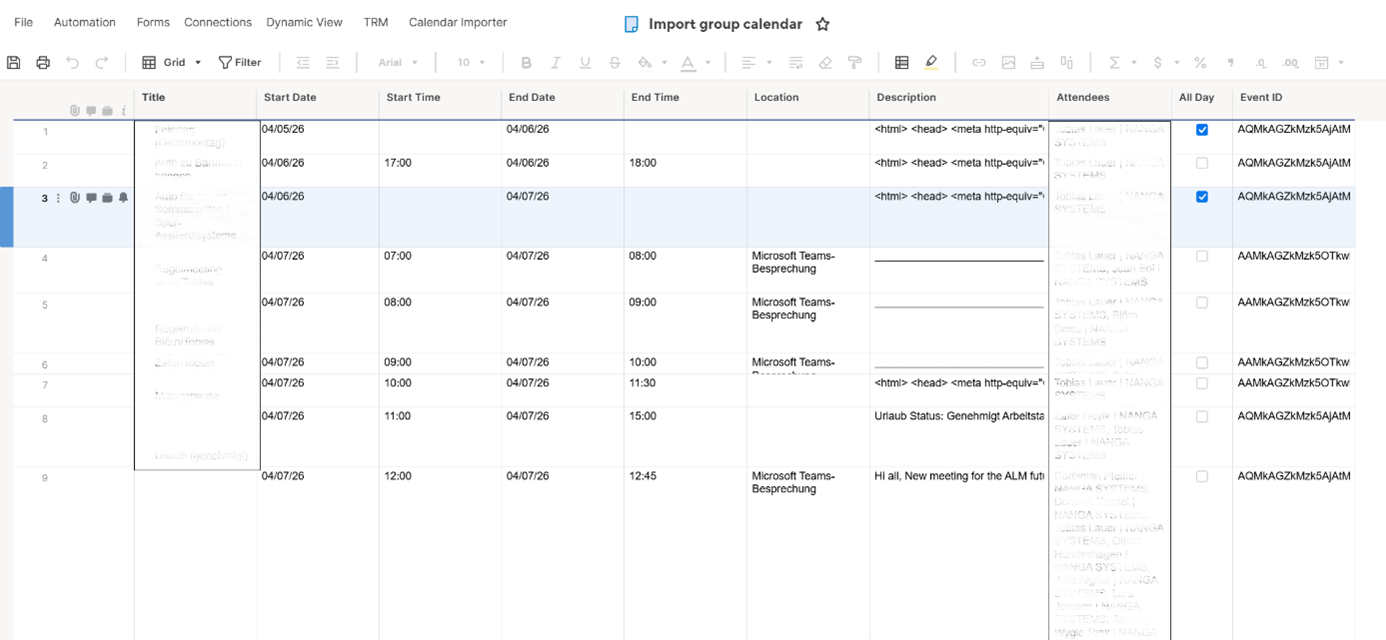
Sign in with Microsoft, pick a date range and fetch your events. Every entry lands in a predefined sheet with its title, start and end, location, attendees and description already mapped to columns. No copy-paste, no manual re-entry, no second tool to maintain.
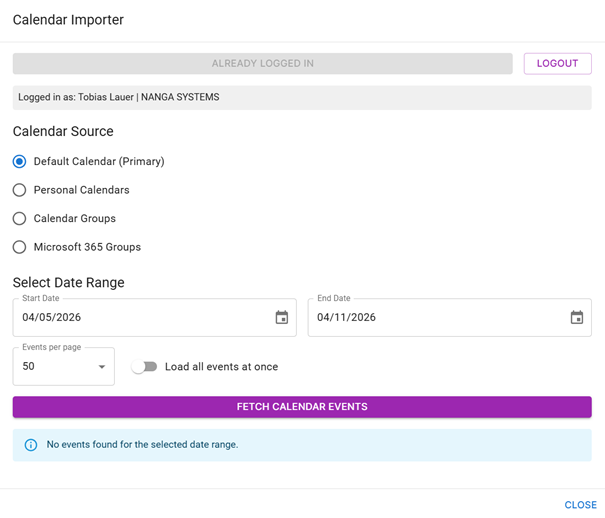
Choose exactly which calendar to pull from.
Import from your default calendar, a personal calendar, a shared calendar group or a Microsoft 365 group. Set the date range and page size, then fetch only the events you want. One interface covers individual tracking and whole-team scheduling data.