Free live webinar

Get your 2027 project portfolio under control

Smartsheet Portfolios & Scenario Planning, live

Bring projects together, plan for staff absences and set priorities for 2027. Using an example portfolio, we’ll show you how to set up projects consistently and compare planning options.

Thursday, 10 December 2026 at 16:00 CET

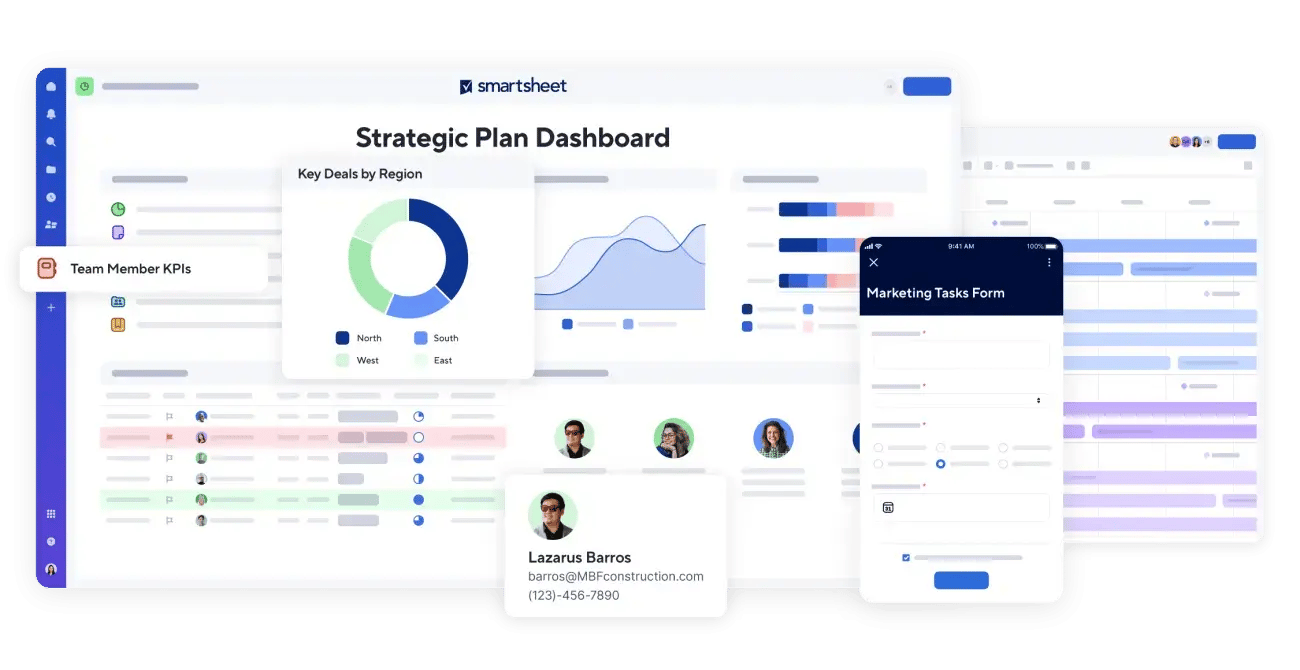
Smartsheet project views with a dashboard, timeline and form
WEBINAR FREE

How do you decide when plans change?

When each team adapts its own project template, reporting becomes manual work. And when two projects need the same person, the conflict often comes to light only when deadlines are already at risk.

With Smartsheet Portfolios, you can use shared templates and see how all your projects are progressing in one place. Scenario Planning lets you test the impact of staff absences and new priorities while keeping your live plan intact.

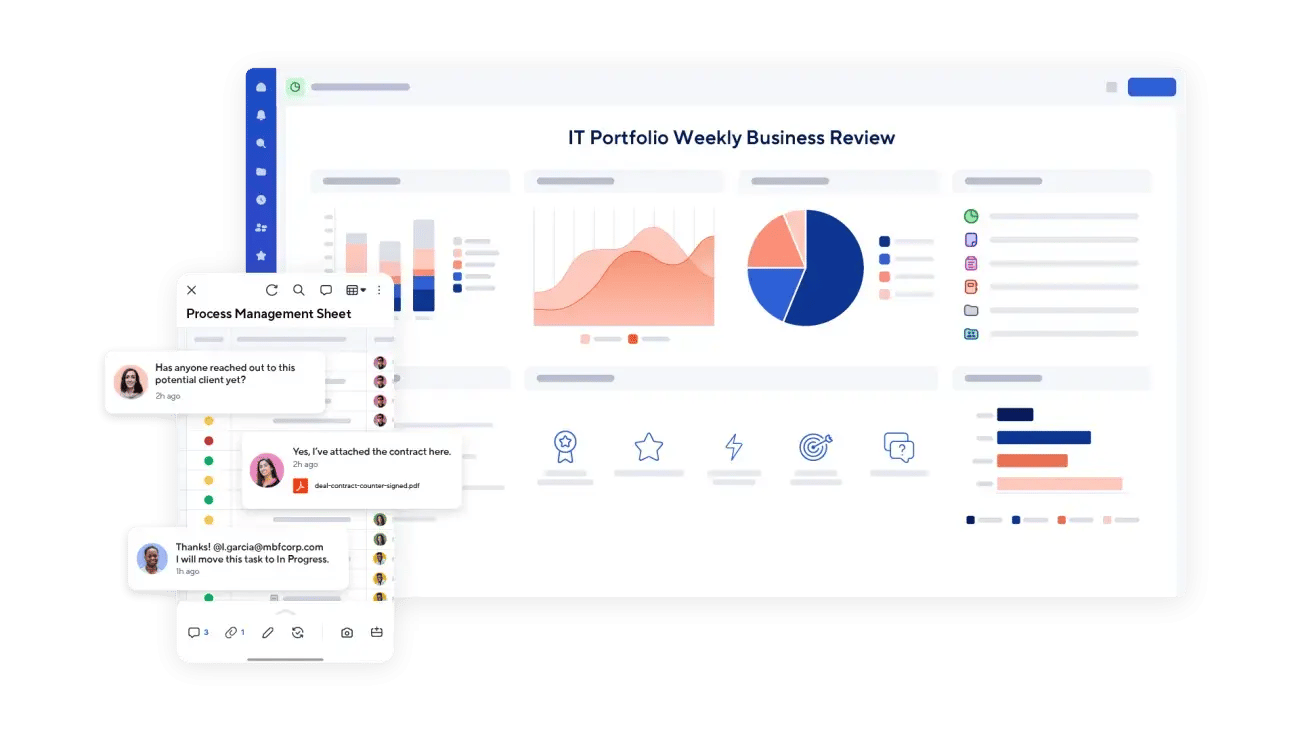
Smartsheet portfolio dashboard with key metrics and a mobile project view
Example of a portfolio dashboard in Smartsheet

Register for the webinar

Part 1 · Portfolios

We’ll create a project using shared templates for the project plan, issue tracker and budget. You’ll see what Smartsheet sets up automatically, how dashboards and reports bring projects together, and when to use Control Center.

Part 2 · Scenario Planning

Using three projects, we’ll show how to reassign work when someone is unavailable, identify which deadlines move if no one can take over, and decide what has to wait when an urgent project comes in. We’ll compare the options and apply the chosen scenario to the live plan.

Who should attend?

For PMOs, project managers and Smartsheet admins who manage multiple projects and want to organise their portfolios for 2027. Part 2 shows business leaders how changing priorities affect capacity and deadlines.

Speakers

Jean Egi (2)

Jean Egi

Senior Consultant / NANGA Smart Solutions

Tobias (5)

Tobias Lauer

Consultant Lead / NANGA Smart Solutions

Helping you succeed

NANGA Smart Solutions, your Smartsheet partner